Here’s another useful design tip by Paulius Kairevicius. This time it’s how to create a neat and clean cloud shape. You can use this example in any of the well known designing tools such as Photoshop, Illustrator, Sketch, etc. It’s a quick and easy process.
I hope you found this tip useful!

Step 1
Start by creating a square.

Step 2
Add three circles with the same size as the rectangle and place them in the center of it.

Step 3
Move the second circle up while the other two left and right until the centers of the circles are on the edges of the rectangle.
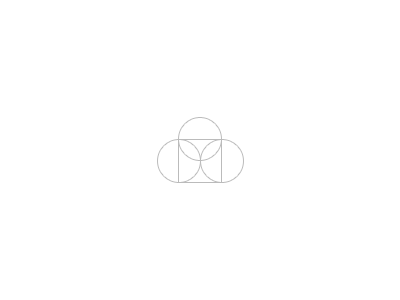
Step 4
Combine the four shapes and add a background or stroke.
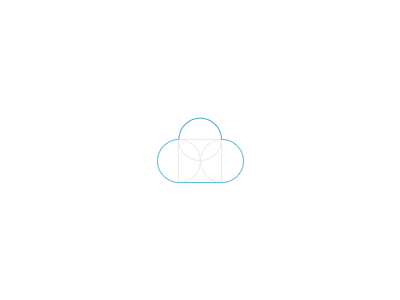
Done!
I hope you found this tip useful.