Here’s a cool design tip by Paulius Kairevicius on how to create the perfect heart shape. It can be used in Photoshop, Illustrator, Sketch or any other designing tool that has a “Combine Shape” feature. It’s an easy and quick process.
Check out the steps below and I hope you find this useful!

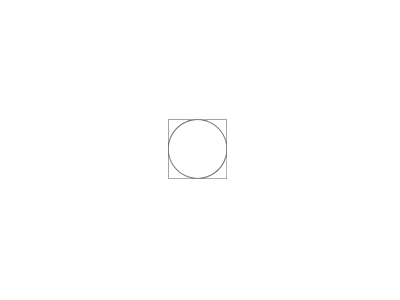
Step 1
Create a square.

Step 2
Create two circles with the same size as the rectangle and place them in the center of it.
Step 3
Move one of the circles up or down while the other left or right until the centers of the circles are on the edges of the rectangle.

Step 4
Combine the three shapes and rotate.

Done!
I hope you found this tip useful.