Whether you are designing for mobile or the web, it’s always good to pay attention to small details.
Say you want to have two rounded corners running parallel. The outer one should always have a bigger radius than the one on the inside. So the difference in the border radius of the two rounded rectangles, should be equal to the padding between them.
This cool tip was shared by the awesome guys at Engine Digital. Go check them out!

Step 1
Create the background shape.
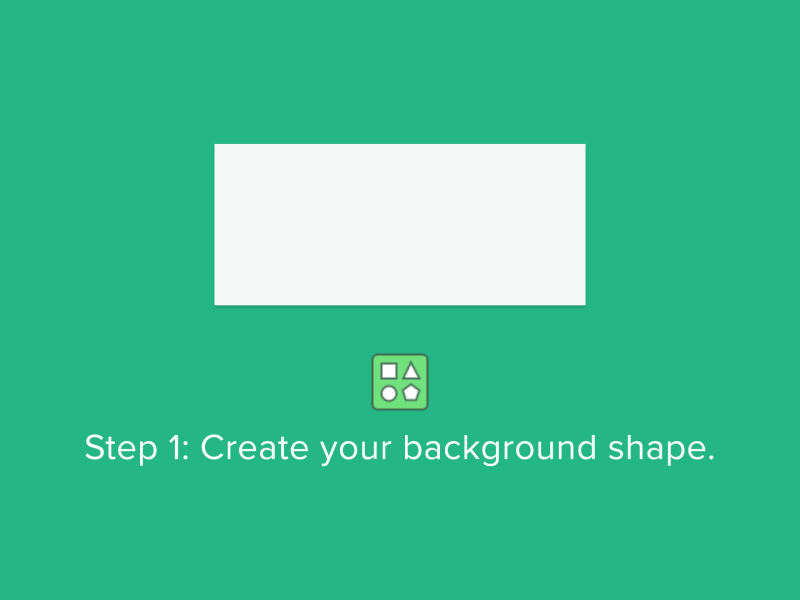
Step 2
Create the foreground shape.

Step 3
Set the background corner radius. In this case is 30px.

Step 4
Measure the padding. We set it to 20px for each side.

Step 5
Subsctract the two numbers, the background corner radius and the padding.

Step 6
Set the foreground corner radius at the number you get after subsctracting. In our case is 10px.

Done!
I hope you found this tip useful.